Welcome to Morning Visuals – Your Ultimate Destination for AI-Generated Good Morning Messages and Inspiring Morning Visuals! Discover how the power of AI and creative prompts can transform simple ideas into stunning good morning images. Learn step-by-step how to craft the perfect prompts to create beautiful, personalized morning greetings. This blog is your go-to resource for all things morning motivation. Start your day with positivity, creativity, and a touch of AI magic
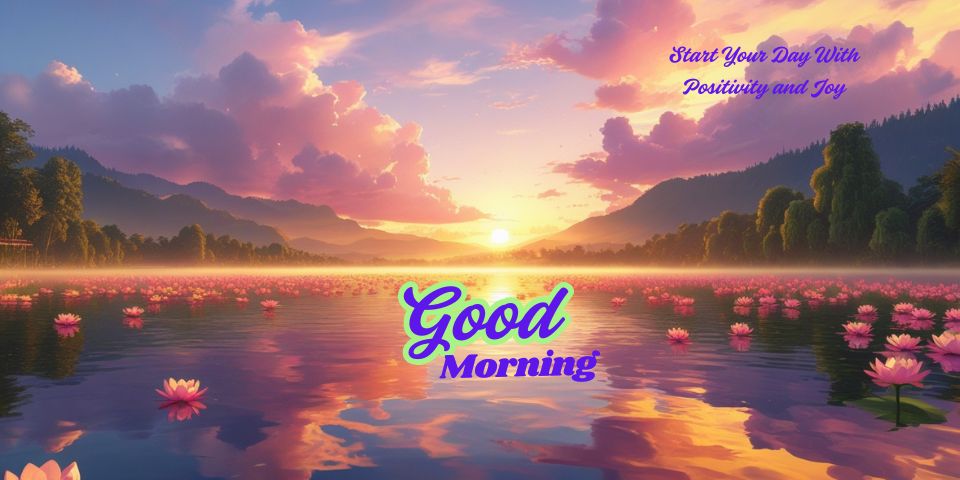
My Thought: To make this good morning picture i have thought
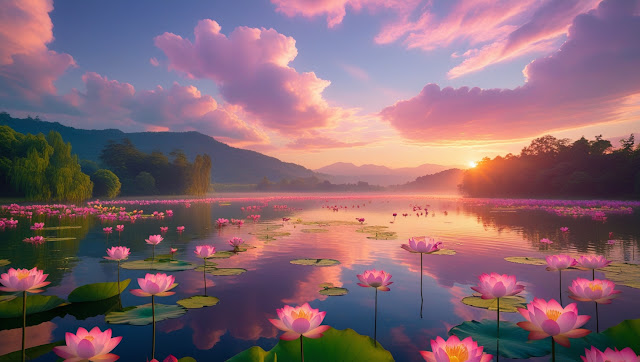
about sun will rise behind from the hill in front of the lotus flower lake and
surrond green trees create a beautiful sunrise good morining message"Start
your Day with Positivity and Joy". Write your thought in AI tools text to image box and ask to generate the prompt and press enter, Deepseek,ChatGPT etc will generate a prompt for you, Example below-
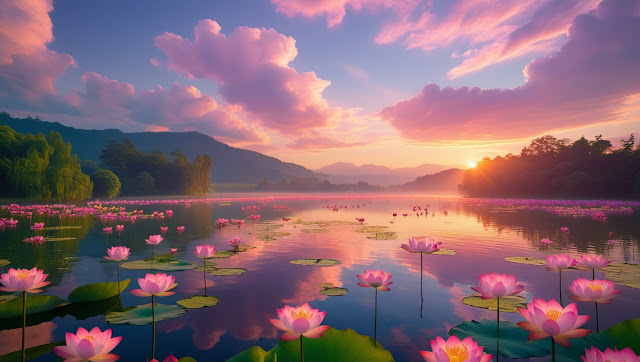
Description: "A peaceful sunrise over a tranquil lotas
flower lake, with golden and orange warm colours reflecting on the water. Soft
pink and purple clouds fill the sky, and the landscape is surrounded by rich
green trees and far-off mountains. The general mood should be calm,
inspirational, and uplifting, ideal for a morning social media post or greeting
card."
AI Prompt generator: Deepseek
Ai Tools Used for Text ot Image- Leonardo
Steps- how to Create Your "Good Morning Image"
1. Log in to Leonardo.ai
Go to [Leonardo] and log in to your account.
If you don't have an account, create one first.
2. Select Text to Image Generator
After logging in,
go to the Text to Image Generator tool.
3. Type or cut and paste the prompt and send to image
generating AI tools and hit enter leonardo will provide you 4 image by default
morning image as you have written in the text box.
4. Tune Settings-
Prompt Improve-
Set to Auto to improve your prompt for the best results.
Style- Select
Dynamic for a colorful and energetic output.
Contrast- Set to Medium for balanced lighting and depth.
Aspect Ratio- Choose the ratio that suits your requirement
(e.g, 1:1 for Instagram, 16:9 for banners, or 2:3 for posters).
5. Create the Image
Enter your prompt
in the text box and hit Enter.
Leonardo will
create 4 images by default depending on your input.
6. Review and Select
Examine the
generated images and choose the one that best matches your vision. If none are
perfect, you can tweak the prompt or settings and regenerate.
7. Download the Image
Once satisfied,
download the image in high resolution.
Tips for Better
Results-
Experiment with Prompts- Add or remove details to perfect
the output. For instance, you can add "soft sunlight filtering through
trees" or "lotus flowers in full bloom. or boat in the lake"
Try Different Styles
If "Dynamic" does not yield
the desired output, try other styles such as "Realistic" or
"Fantasy."
Use Negative Prompts- If the tool allows it, omit things you
don't wish (e.g. "no buildings, no people").
Hope this will helpful. If you have any query regarding this
prompt write us in comment below. We will try to assist you as per our best
knowledge.
--SUNRISE GOOD MORNING IMAGE WITH A CUP OF COFEE--
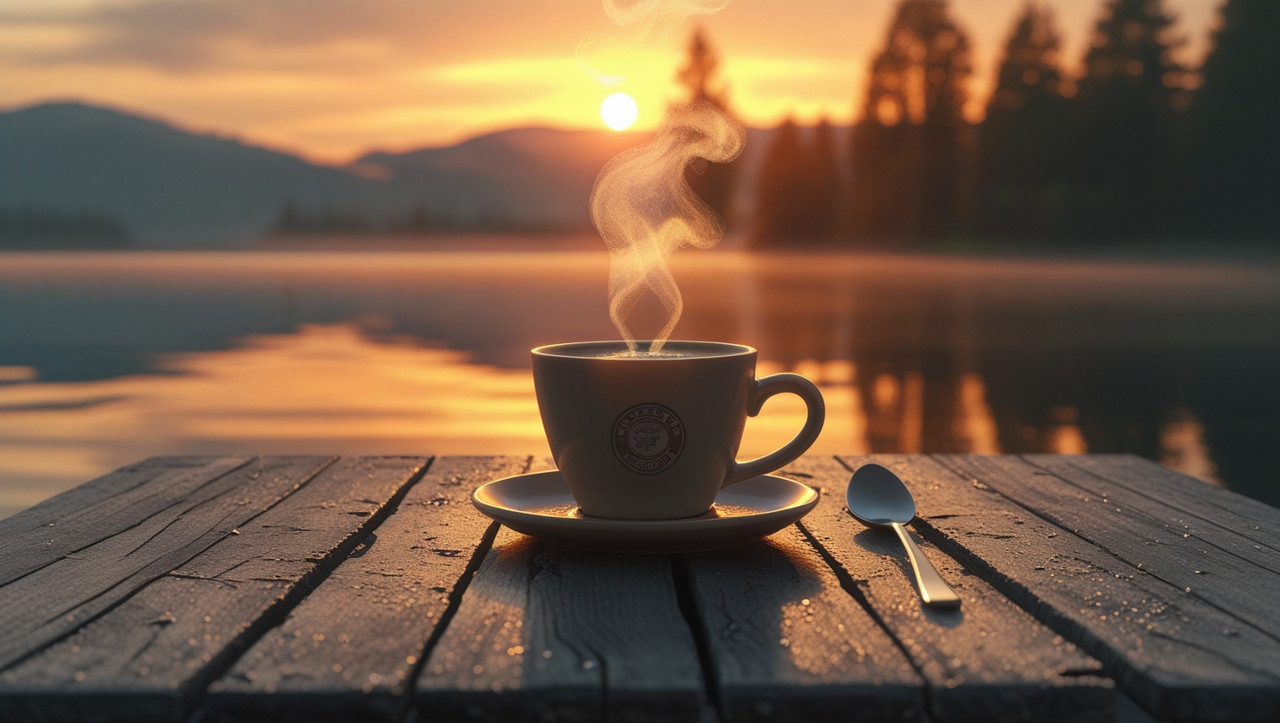
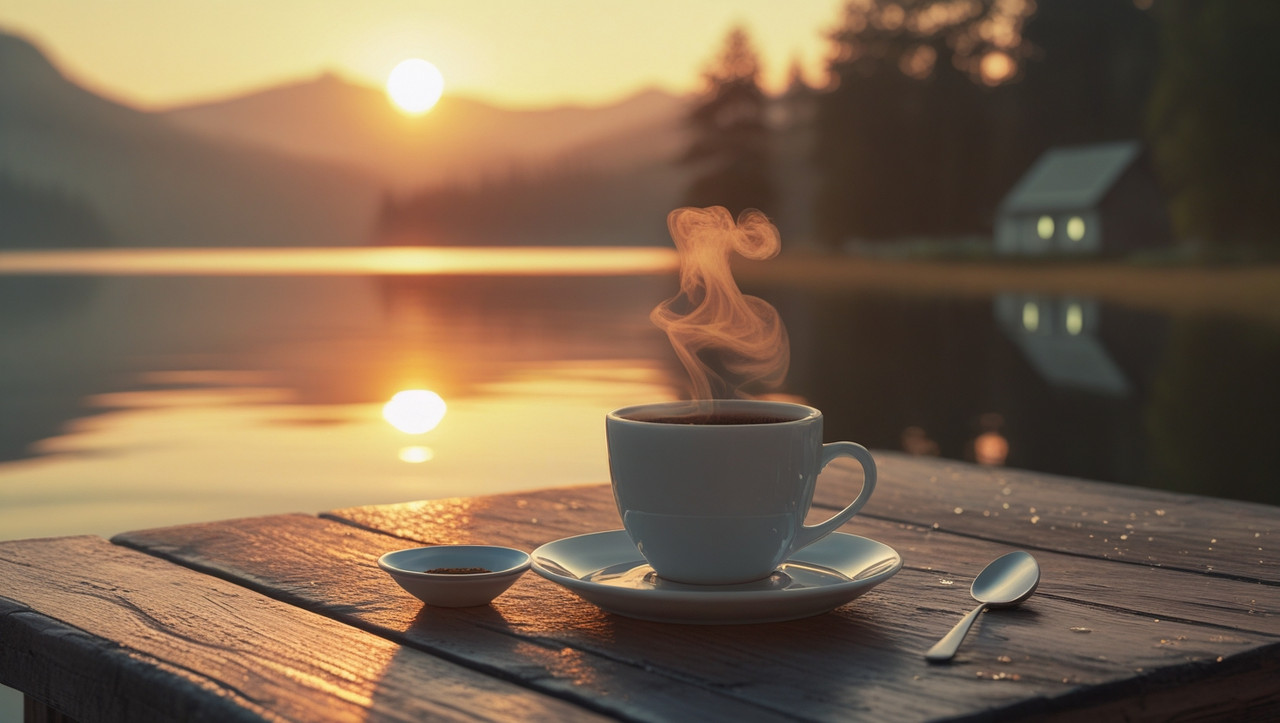
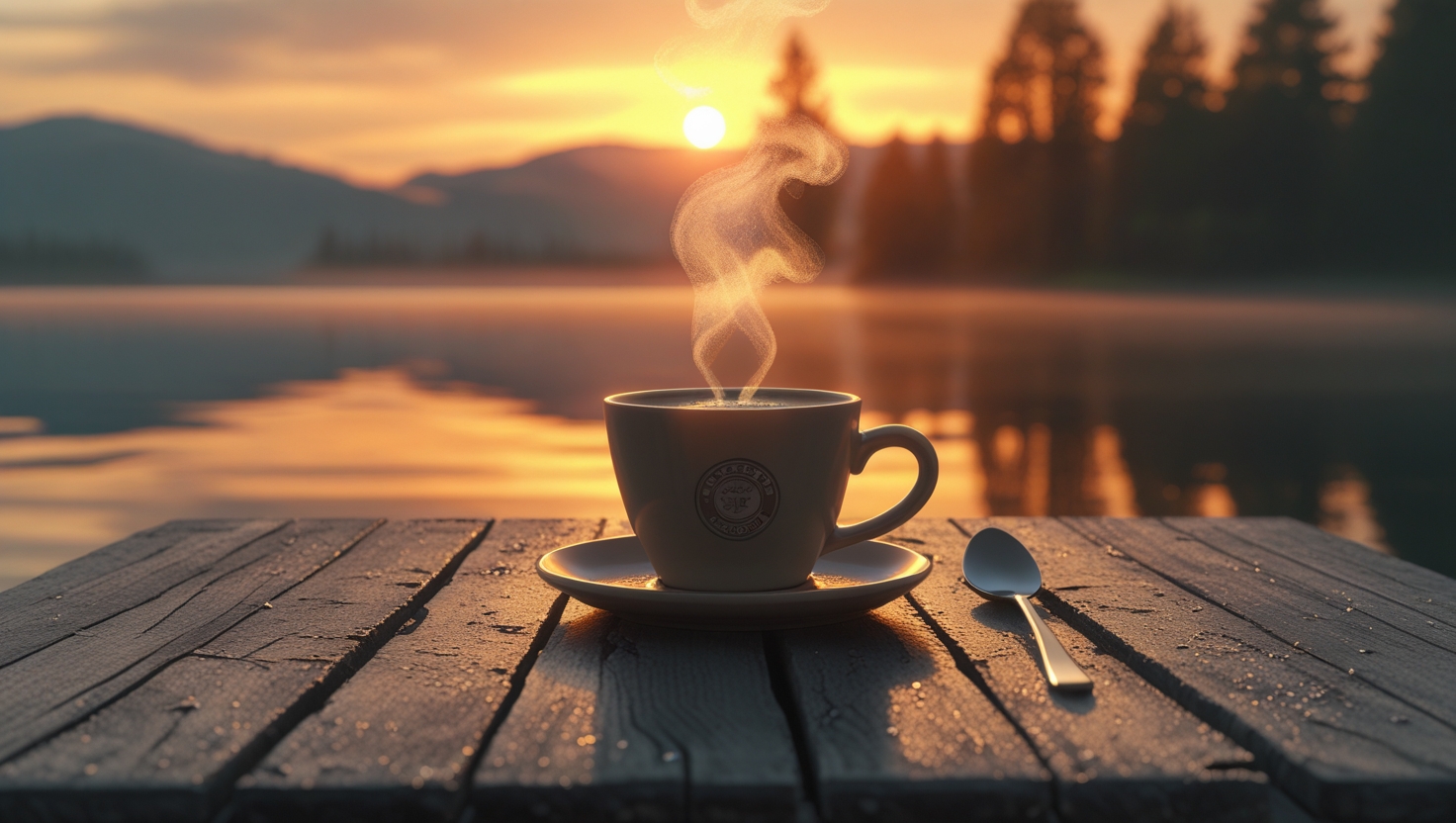
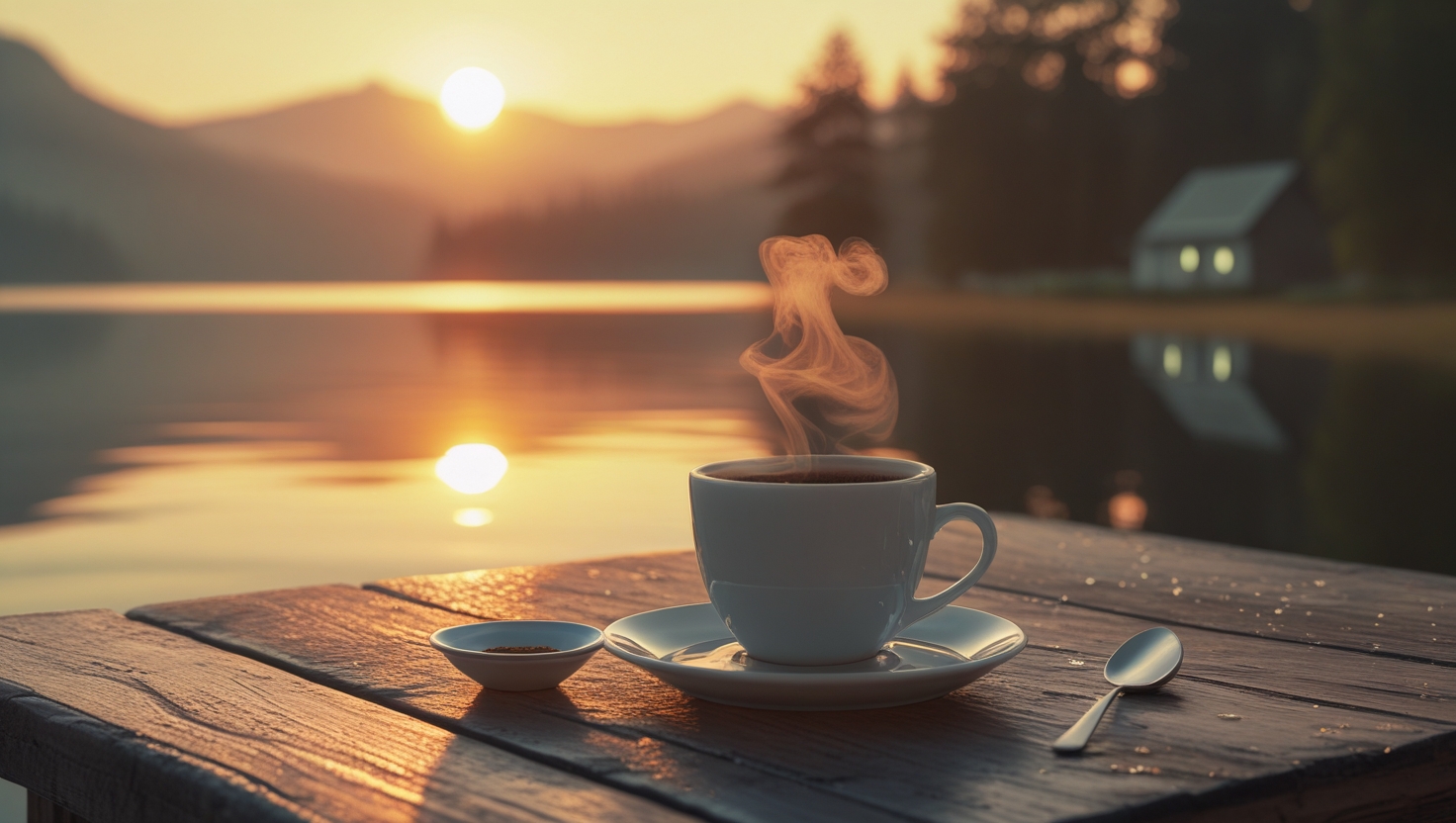
Image Description: A sunrise with a coffee cup set down on a wood table. The sun slowly creeping above a calm, reflecting pond, casting golden and orange warm colors to the sky. In the background there is a wooden table, steamy coffee cup, small dish and spoon.The coffee mug has wispy steam coming out of it and the table has a slight sheen from morning dew shining under the soft light of morning. There are hills and trees in the background against the golden sky. The mood is serene, warm, and inviting that emphasizes the warmth of the sunrise and the warmth of the coffee.
Text to Image Tools- Leonardo
Style- Realistic or semirealistic
Lighting- Warm, soft, and radiating from the sunrise.
Colors- Golden, orange, and pastel light colors.
Focus- The coffee cup must be in focus, and the sunrise and lake must be in the background.
Mood- Peaceful, calm and warm.
Optional Additions-Add a book or a pair of glasses beside the coffee cup for personalization.
Add a soft glint of sunrise inside the coffee cup for a twist.
Use a shallow depth of field to blur the background slightly and keep the coffee cup in focus.



0 comments:
Post a Comment